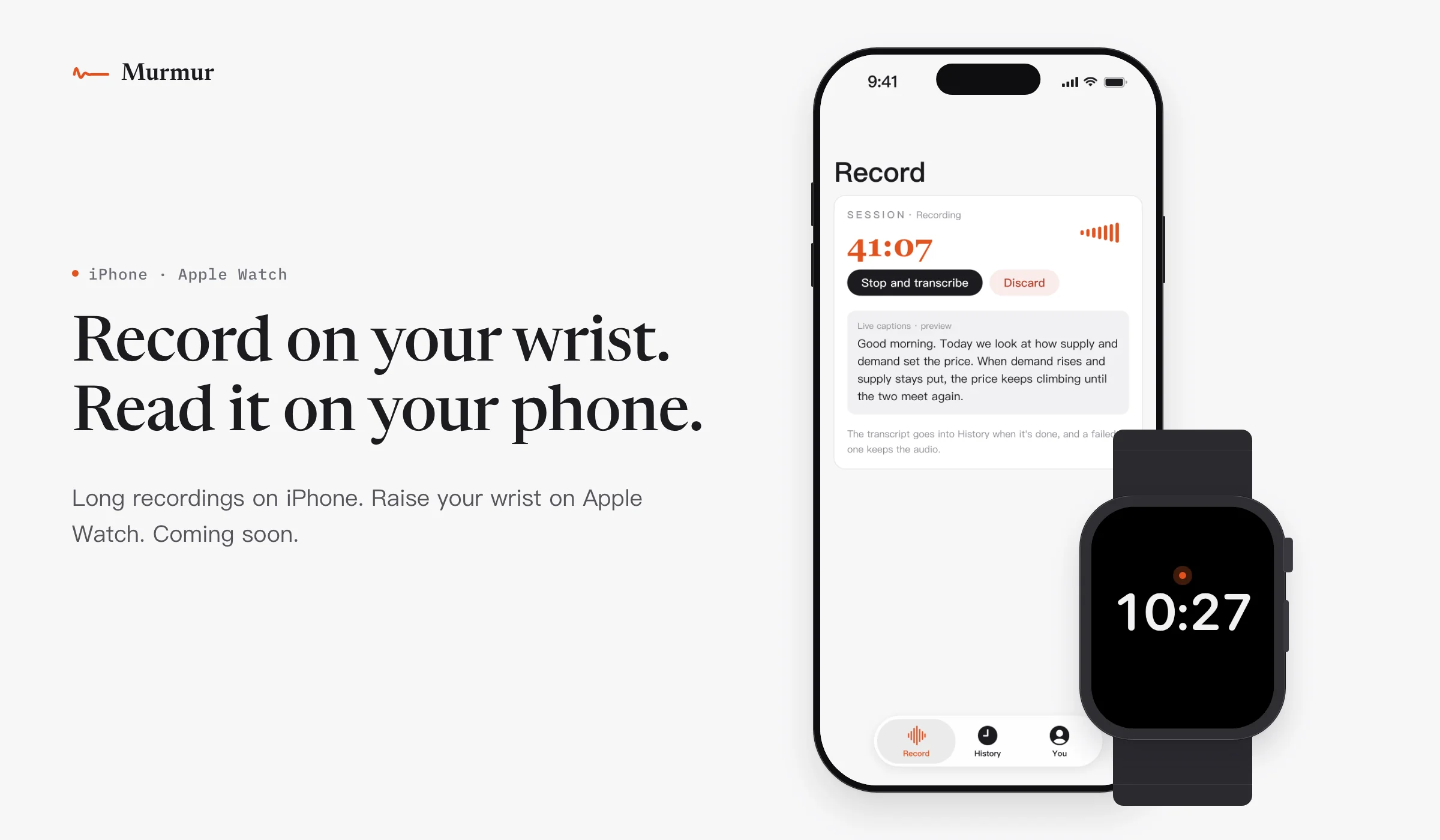
iPhone
Just leave it recording
Once you sign in, you can try one free recording of up to 3 minutes. To record more, see membership →
Record
SESSION·ReadyRecordingTranscribing
0:00
Live captions · preview
The transcript goes into History when it's done, and a failed one keeps the audio.
Nothing recorded yet
Long-form recording for meetings and lectures. An hour is fine, you don't have to babysit it. The transcript separates speakers, lands in History when it's done, and a failed one keeps the audio.
Finished transcripts are saved to History too.
Recording
Speaker 1: Good morning. Today we look at how supply and demand set the price.
Speaker 1: When demand rises and supply stays put, the price keeps climbing. Until the two meet again.
Speaker 2: Someone asked, what if supply rises too?
Speaker 1: Good question. Then it depends on which rises faster.
Tap “Start recording”.
Apple Watch
Raise your wrist, tap
Sign in on your phone and the watch signs in too, with the same account.
Signed in
52:10Uploaded
9:41
Saved
0:00
Sending to your iPhone
Sent to your iPhone
Read it on your phone
Tap the orange button.
History
- Last Wed · 52:10Transcribed
Recorded on the watch, read on the phone
Watch recordings go to your phone when it is nearby. Open one in your phone's history to read the full transcript.
Your recordings, in your hands
Your recordings and history are kept on your own device.
If it goes wrong, the recording is still there: when a transcription fails, the recording is kept.
iPhone and Apple Watch versions are coming soon. For now, use the Mac version, with the same account.